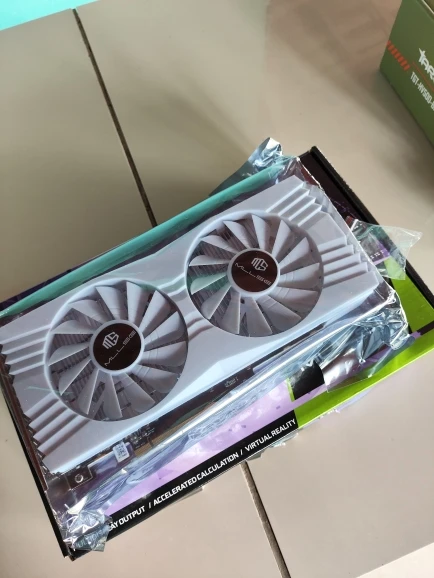
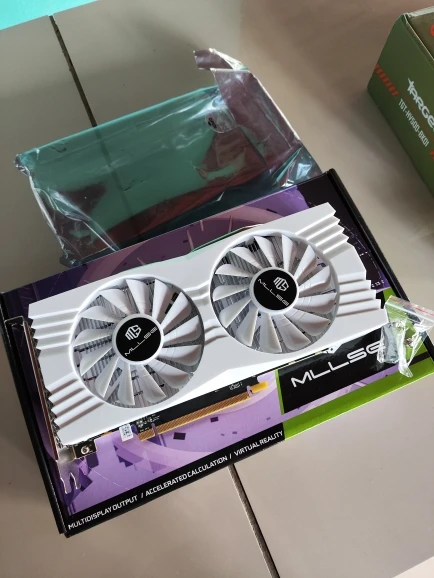
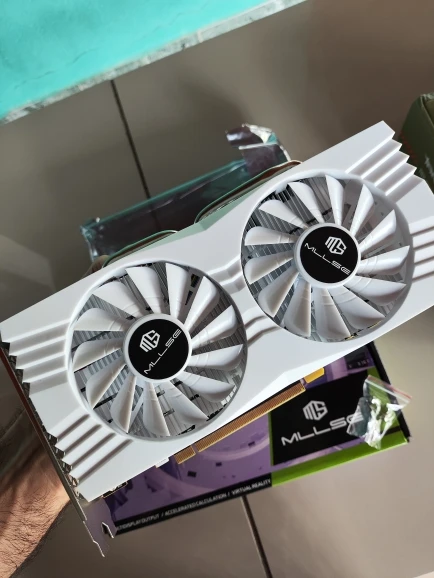
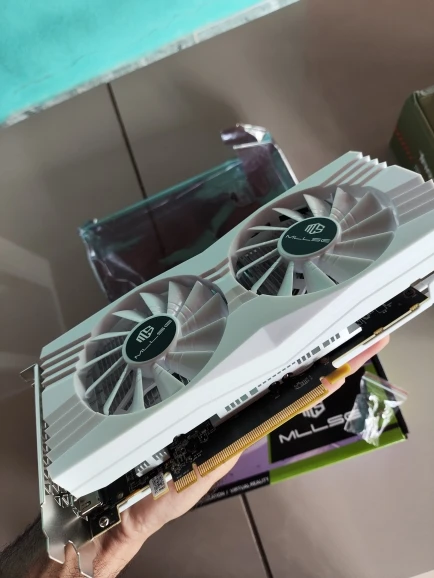
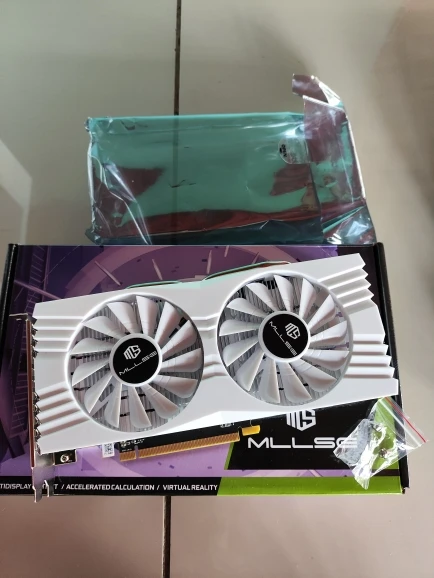
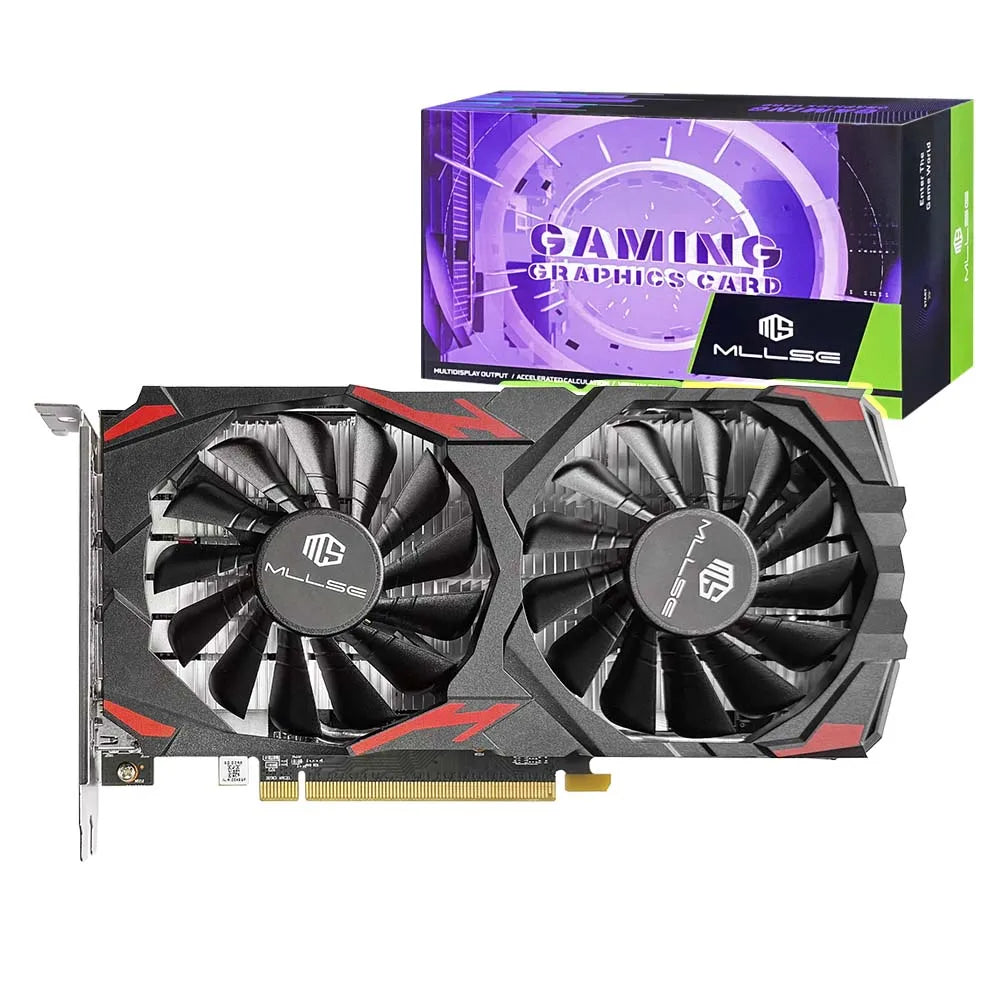
MLLSE AMD RX 580 8GB 2048SP Gaming Graphics Card GDDR5 256Bit PCI-E 3.0 ×16 8Pin Radeon GPU Rx 580 Video Card Placa De Video
MLLSE AMD RX 580 8GB 2048SP Gaming Graphics Card GDDR5 256Bit PCI-E 3.0 ×16 8Pin Radeon GPU Rx 580 Video Card Placa De Video
Couldn't load pickup availability
SPECIFICATIONS
Application: Desktop
Brand Name: MLLSE
Chip Process: 14NM
Chipset Manufacturer: AMD
Choice: yes
Cooler Type: Double Fan
Core Clock(Mhz): 1284
DirectX: DirectX 12
Hign-concerned Chemical: None
Interface Type: PCI Express 3.0x16
MLLSE Model: RX 580 8GB GDDR5
Memory Clock(Mhz): 7000
Memory Interface: 256 BIT
Origin: Mainland China
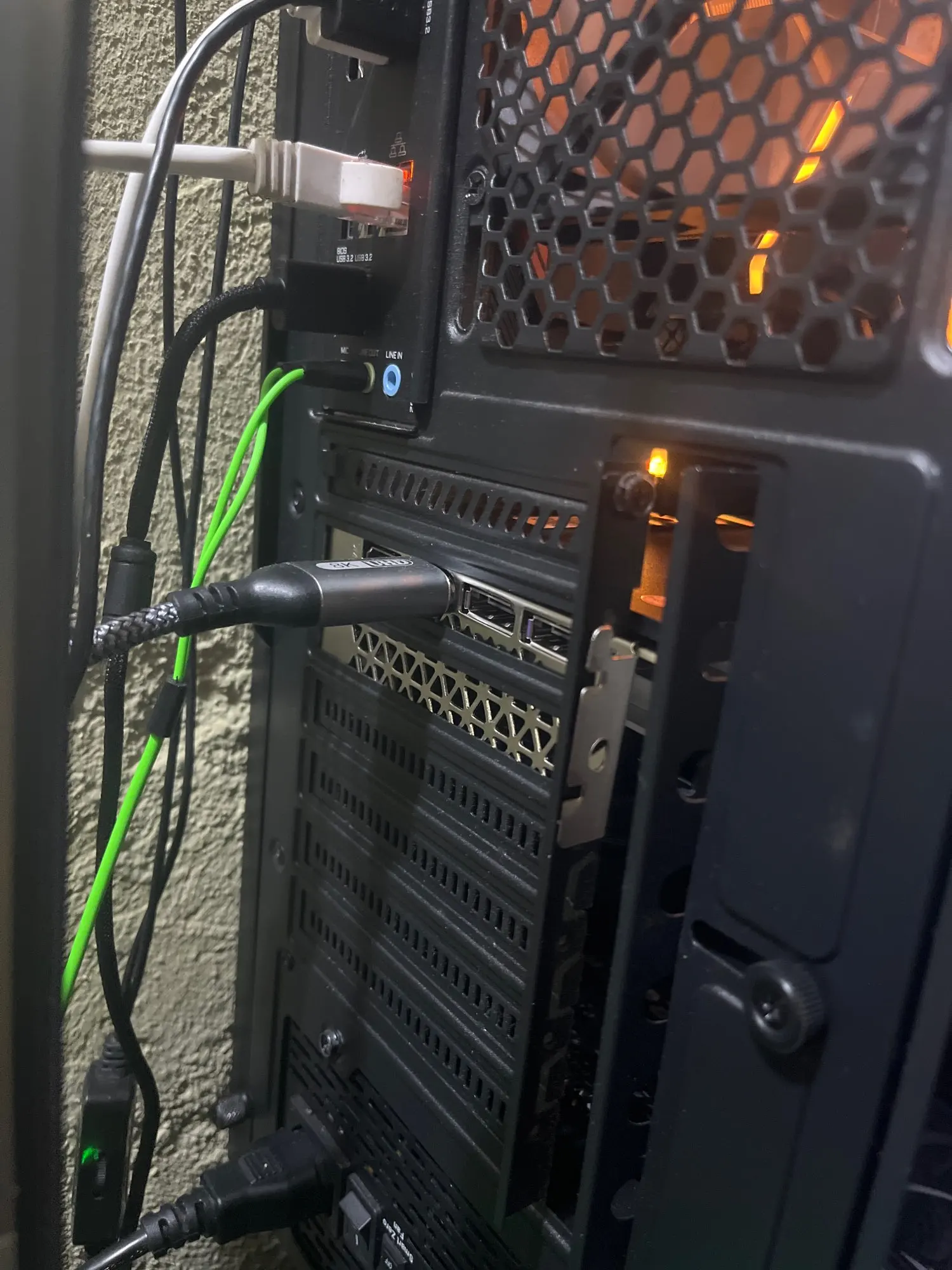
Output Interface Type: HDMI 1.4 x 1,DisplayPort x 1
Overclocked: No
Package: YES
Package type: Retail
Power Connector: 8pin
Product Category: Desktop Graphics Cards
Product Features: HDCP Ready
RGB: No
Stream Processors: 2048
Usage Scenario: Gaming,Audio & Video,Household,Office,Design
Video Memory Capacity: 8GB
Video Memory Type: GDDR5
• Powerful GPU :The MLLSE AMD RX 580 8GB 2048SP gaming graphics card features a powerful AMD RX 580 chip processor, ensuring smooth and efficient graphics performance.
• High-Capacity Memory :Equipped with 256 bit PCI-E 3.0 ×16 8Pin Radeon GPU, this video card offers high-capacity memory, allowing for fast data transfer and quick processing speeds.
• Advanced Cooling System :Featuring a double fan cooling system, this graphics card ensures heat dissipation, maintaining optimal temperatures for sustained performance.
• HDCP Ready :The MLLSE RX 580 video card is HDCP ready, providing secure and high-definition video output for enhanced gaming or multimedia experience.
• Desktop Application :Ideal for desktop applications, this graphics card is perfect for gaming, video editing, or other graphically intensive tasks, offering superior performance and reliability.
MLLSE Graphics Card RX 580 8G 2048SP
• GPU Model: AMD Radeon RX 580 8G 2048SP
• Chip Code: Ellesmere
• Stream Processors: 2048
• Core Frequency(Mhz): 1284MHz
• Memory Clock Speed(Mhz): 7000MHz
• Video Memory Capacity: 8GB
• Video Memory Type: GDDR5
• Video Memory Interface: 256Bit
• Interface Type: PCI Express 3.0 x 16
• DirectX: DirectX 12
• Output Interface Type: HDMI * 1 DisplayPort * 3
• Power Connector: 8pin
• Power Consumption: 150W
• Recommended minimum power supply :500W
 RX 580 8G 2048SP Parameters
 Dual-fans cooling system
Strong wind --- High-speed and large-size dual-fan design, double the wind to introduce airflow, and thestrong wind will dissipate heat faster. Direct copper contact And Power interface
* With the large-area heat dissipation fins, it conducts heat quickly, dissipates heat quickly, cools down quickly, and is not afraid of the high temperature of the game under full load.
* 8Pin Power interface Full Size Backplate
Protect the PCB --- Full-size backplane reduces graphics card bending and PCB damage. The cutout on the back allows airflow to pass through, further improving heat dissipation. Power Consumption 150W
High Performance Low Power Consumption , Being relaxed about gaming one whole day
Suggested minimum Power Supply 500W 4K HD Display
DP+HD two mainstream high-definition outputs Smooth interface and high-definition game visual experience.
RX 580 8GB Test Chart
 RX 580 8G 2048SP Real Photo Display
MLLSE Graphics Card RX 580 8G 2048SP
• GPU Model: AMD Radeon RX 580 8G 2048SP
• Chip Code: Ellesmere
• Stream Processors: 2048
• Core Frequency(Mhz): 1284MHz
• Memory Clock Speed(Mhz): 7000MHz
• Video Memory Capacity: 8GB
• Video Memory Type: GDDR5
• Video Memory Interface: 256Bit
• Interface Type: PCI Express 3.0 x 16
• DirectX: DirectX 12
• Output Interface Type: HDMI * 1 DisplayPort *3
• Power Connector: 8pin
• Power Consumption: 150W
• Recommended minimum power supply :500W

RX 580 8G 2048SP Parameters

Dual-fans cooling system
Strong wind--- High-speed and large-size dual-fan design, double the wind to introduce airflow, and thestrong wind will dissipate heat faster.
Direct copper contact And Power interface
* With the large-area heat dissipation fins, it conducts heat quickly, dissipates heat quickly, cools down quickly, and is not afraid of the high temperature of the game under full load.
* 8Pin Power interface
Full Size Backplate
Protect the PCB--- Full-size backplane reduces graphics card bending and PCB damage. The cutout on the back allows airflow to pass through, further improving heat dissipation.

Power Consumption 150W
High Performance Low Power Consumption , Being relaxed about gaming one whole day
Suggested minimum Power Supply 500W
4K HD Display
DP+HD two mainstream high-definition outputs Smooth interface and high-definition game visual experience.

RX 580 8GB Test Chart
 Product size
Install the graphics card
1.Turn off the computer and unplug the power cord.
2.Remove the chassis cover and find the PCle slot.(A)
3. Removethe metal back plate at the expansion slot you want to insert the graphics card in.
4. Insert PCle connector (B)to PCle slot and make sure that it is firmly inserted
5. Fix the graphics card to the expansion slot with screw (C)
6. Co nectthe coresponding PCle power connector (D) to he independent power supply inter face (E) on graphics card
 Notice:
1. Under normal circumstances, the normal temperature of the graphics card should be between "30-85 ℃"
2. Even if the ambient temperature is too high in summer, the normal temperature is between "50-85°C"
3. Play some large 3D games and watch some high-definition videos, the graphics card temperature should be around 90℃
4. In fact, as long as the temperature of the graphics card does not exceed 95°C, there is generally no problem.
If the temperature exceeds 95°C, the graphics card will automatically reduce the frequency, so there is no need to worry too much.
Questions and Answers :
Q : Why do golden fingers have scratches
A : Because graphics cards undergo multiple tests before leaving the factory, this is a normal phenomenon and there is no need to worry.
Q : Where can I download the driver?
A : Go to the corresponding official website to download the driver